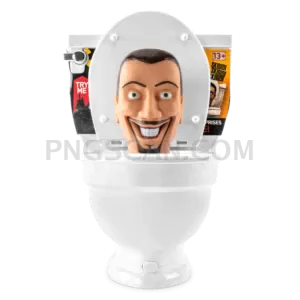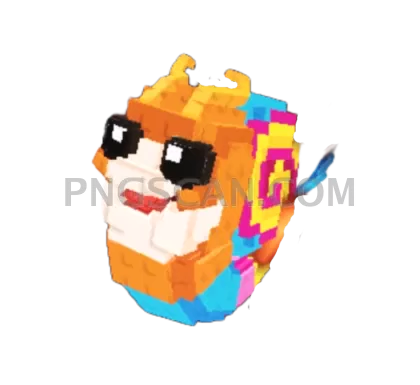
Steal a Brainrot
About Steal a Brainrot
Here's your steal a brainrot 780x716 png isolated cutout in all its natural-colored glory. The edges are crisp, the transparency is legit, and it's sitting at a sweet mid-size resolution that works almost anywhere without looking pixelated or bloated.
Meme lords, thumbnail makers, and Roblox fan-page runners — this is the kind of asset you slap into CapCut, Photoshop, or Canva when you need that brainrot energy front and center. Perfect for reaction images, Discord emotes at scale, or layering into group collages. You might also like Steal a Brainrot – Square Cutout Edition.
Pro move: because it's 780 pixels wide, it fits neatly inside most social media post dimensions without needing a resize. Drop it straight onto a 1080×1080 canvas and you've got breathing room for text or other characters around it. No background removal needed — that part's already handled. You might also like Steal a Brainrot – Compact Meme.
Tech specs: 780×716 pixels, PNG with full alpha transparency, natural color palette matching the original source material. Use it for personal projects, fan edits, and non-commercial creative work. Always respect the original creators' IP when sharing publicly. Explore more Steal a Brainrot PNG images in our gallery.
Frequently Asked Questions
Answers about this Steal a Brainrot PNG — transparent background, size, download, and permitted use.
At 780×716 you get enough detail for social posts and thumbnails without the file weight of a full-res export. It's the Goldilocks size for quick edits that still look sharp on screens.
Absolutely. The transparent background means you can drop it onto any colored or gradient backdrop. At 780px wide it covers roughly 55-60% of a standard 1280×720 thumbnail canvas — ideal focal point size.
The edges are cleanly isolated with no visible white halo or fringing. You can place it on dark, light, or busy backgrounds and it blends naturally.
Any app that supports alpha transparency: Photoshop, GIMP, Canva, Figma, CapCut, Google Slides — even MS Paint on Windows 11 now handles transparent PNGs properly.
More from the Steal a Brainrot Collection



Related Transparent PNG Images
Skibidi Toilet

Skibidi Toilet 1300x1300

Skibidi Toilet 1280x1260

Skibidi Toilet 1000x1000

Skibidi Toilet 960x1452