That One Brainrot Meme You Keep Seeing Everywhere
About Steal a Brainrot – Square Cutout Edition
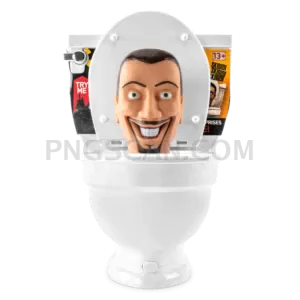
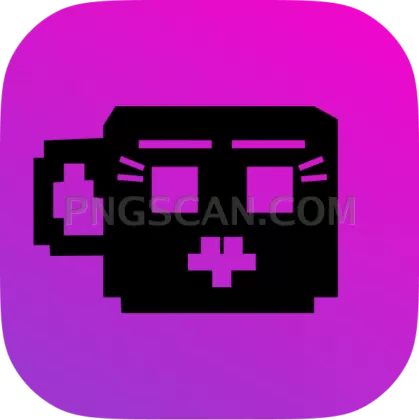
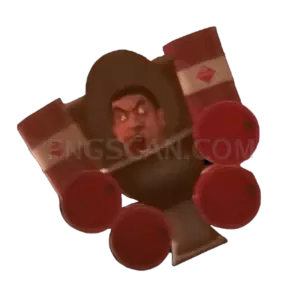
You already know this one. The Steal a Brainrot transparent PNG has been bouncing around group chats and meme compilations for weeks now, and honestly it doesn't look like it's slowing down. This cutout captures that unhinged energy in a clean, ready-to-use format at 600×601 pixels.
Meme page admins slap it into their edits. Students drop it into Google Slides presentations for laughs. Discord moderators use it as a server emoji or sticker. If you've spent any time on TikTok or Instagram lately, you've probably seen ten variations already — now you can make your own.
Try layering it over stock photos in Canva for absurd contrast. Paste it into Figma mockups when you need placeholder art that actually makes people laugh. One unexpected move: use it as a reaction image in Slack, because corporate meetings deserve a little chaos too.
The file is a 600×601 pixel PNG with a transparent background, so it drops cleanly into any composition without white box artifacts. Available for personal, fan, editorial, or creative use where permitted. Grab the cutout and go make something unhinged with it. Explore more Steal a Brainrot PNG images in our gallery.
Frequently Asked Questions
Answers about this Steal a Brainrot – Square Cutout Edition PNG — transparent background, size, download, and permitted use.
It's a cutout from the viral brainrot meme trend — the kind of absurdist internet humor that spreads through short-form video and group chats. This particular PNG isolates the key visual on a transparent background at 600×601 pixels so you can remix it however you want.
This image is provided for personal, fan, and editorial use where permitted. Commercial use depends on the original source material's copyright status. If you're putting it on merch or paid content, do your own due diligence on the underlying IP before selling anything.
It's a PNG file at 600×601 pixels with full transparency. The nearly square dimensions make it versatile for social media posts, stickers, and overlays. File size is lightweight enough to load quickly in Canva, Photoshop, or any browser-based editor without lag.
Screenshots typically come with messy backgrounds, compression artifacts, and inconsistent sizing. This cutout version gives you a clean isolated subject on transparent background, so you skip the tedious masking work in Photoshop and jump straight to the creative part.
More from the Steal a Brainrot Collection



Related Transparent PNG Images
Skibidi Toilet
Skibidi Toilet 1300x1300
Skibidi Toilet 1280x1260
Skibidi Toilet 1000x1000

Skibidi Toilet 960x1452