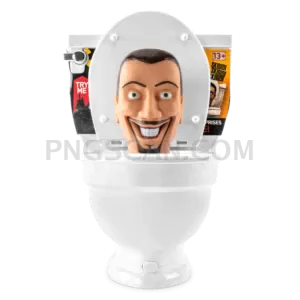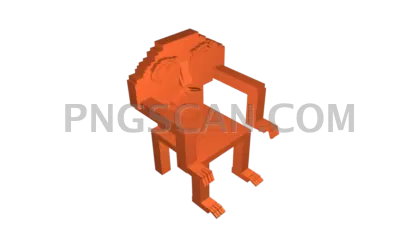
Steal a Brainrot Widescreen
About Steal a Brainrot
This steal a brainrot 1280x720 cutout png hits different because it's already sized for widescreen layouts. Most cutouts you find are square-ish or oddly cropped, but this one matches the exact 16:9 ratio your YouTube thumbnails, stream overlays, and desktop wallpapers actually need. Natural colors, clean transparent background, zero fuss — just drop it in and it works.
Roblox fans making gameplay compilations grab assets like this constantly. If you're putting together a meme edit, a Discord banner, or a quick social post about Steal a Brainrot, this widescreen cutout saves you from awkward resizing. It's also solid for anyone building fan wikis or community pages who wants a crisp HD graphic without white-box artifacts ruining the layout. You might also like Steal a Brainrot – Square Cutout Edition.
Quick tip: since this PNG is 1280×720, it slots perfectly into video editing timelines as an overlay layer. Import it into CapCut, DaVinci Resolve, or even Canva and the transparent background means it composites instantly over gameplay footage or reaction clips. No green-screen removal needed — the cutout work is already done. You might also like Steal a Brainrot – Compact Meme.
The image measures 1280x720 pixels with natural color tones preserved from the original artwork. It's a PNG with full transparency support, so it plays nice with any editor or browser. Use it for personal projects, fan content, and non-commercial creative work. Always respect the original creators' rights if you're posting publicly. Explore more Steal a Brainrot PNG images in our gallery.
Frequently Asked Questions
Answers about this Steal a Brainrot PNG — transparent background, size, download, and permitted use.
1280x720 is standard HD widescreen (16:9 ratio), which means it fits YouTube thumbnails, stream scenes, and video overlays without needing to crop or stretch. Most editing tools recognize this resolution natively.
Yes — because it has a transparent background, you can import this PNG directly into video editors like CapCut or Premiere Pro as an overlay. It will sit cleanly on top of any footage without a visible bounding box.
This variant is specifically widescreen at 1280x720 with natural colors. Other versions on the site come in different aspect ratios and sizes like 566x459 or 780x716, which are better for square or portrait layouts.
At its native 1280x720 resolution it will look sharp and clean. If you scale it up significantly beyond those dimensions, you may notice some softness. For best results, use it at or below its original size.
More from the Steal a Brainrot Collection



Related Transparent PNG Images
Skibidi Toilet
Skibidi Toilet 1300x1300
Skibidi Toilet 1280x1260
Skibidi Toilet 1000x1000
Skibidi Toilet 960x1452